


$10 in FREE MyLowe’s Money (Just Download the App!)
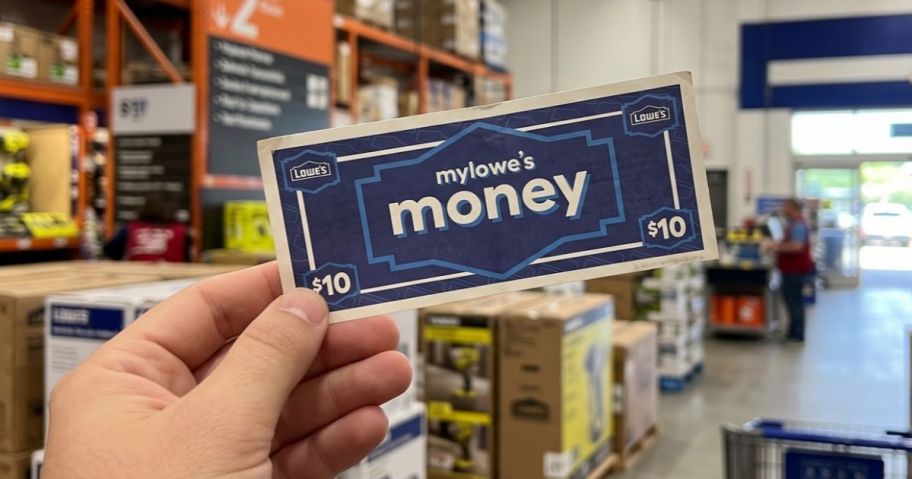
Want some free MyLowe’s Money to spend? Download the Lowe’s Mobile App and log in to your MyLowe’s Rewards Member account (free to join), and you will automatically receive $10 in MyLowe’s Money!
To find your MyLowe’s Money in the app, just click “Account” and then “MyLowe’s Money,” and you’ll see it there. Note that it does expire in 30 days.
You can spend your MyLowe’s Money in the app or online. At checkout, just click “Add” under payment options to apply your MyLowe’s Money. If you’d like to spend it in store, just click “Use All In Store” and enable your Lowe’s Wallet so you can show your member ID and pay in store.
What will you spend your MyLowe’s Money on? We have some ideas!


I have lowes app its not there
Hi Teresa! Sorry for any confusion. Did you already have the app downloaded? I believe this is offered to new downloads. Hoping that helps!
Got it…
Thanks a bunches…
Woohoo! You’re welcome, Sherri! Thanks for letting us know you grabbed it!
I downloaded a few hours ago and I don’t see the lowe’s cash.
DARN! Maybe wait a bit and check back. Hoping it pops up for you!