


Turn Your Visa Gift Cards into Amazon Cash Fast (Step-by-Step)
Have Visa gift cards with random amounts on hand that you keep forgetting to use? We have a solution!
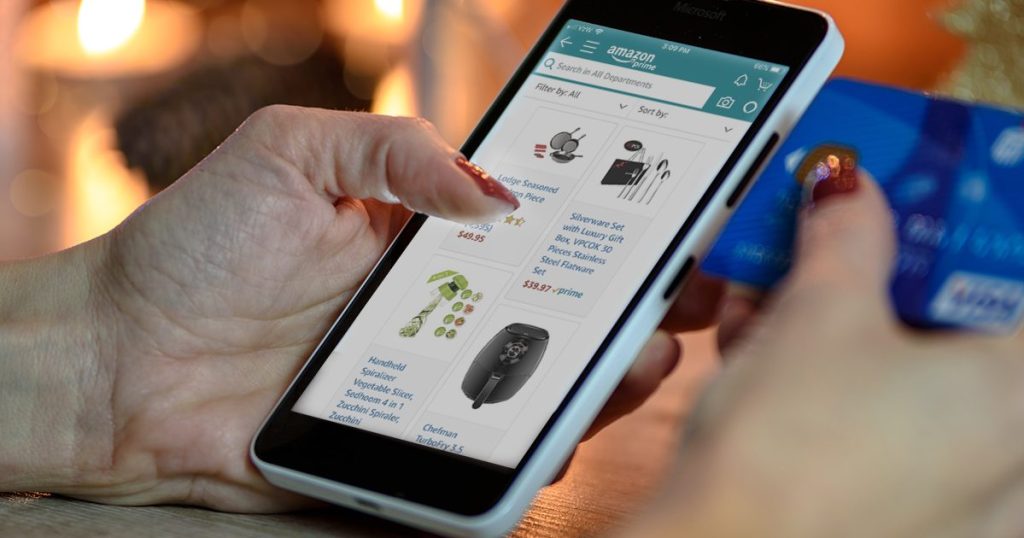
Got a few Visa gift cards with random amounts lying around (maybe lost in a bag with others you forgot about? 😆)? You can easily turn them into Amazon credit.
Since small balances can be tricky to use in stores, this simple trick helps you add them to your Amazon account and make the most of every last cent. 🤑 This is also such an easy and useful trick with holiday shopping and gift cards galore right around the corner 🎁
Don’t waste a single penny on your Visa gift card! Watch Collin break it down easily in this video below!
It doesn’t matter if your prepaid gift card is brand new or only has a partial balance. As long as it has at least $5 on it, you can redeem it for Amazon cash using the One-Time Reload option. The process is super simple and SUCH an awesome way to use those leftover balances.
Just follow our instructions below (or watch Collin’s video above) on how to redeem prepaid gift cards on Amazon!
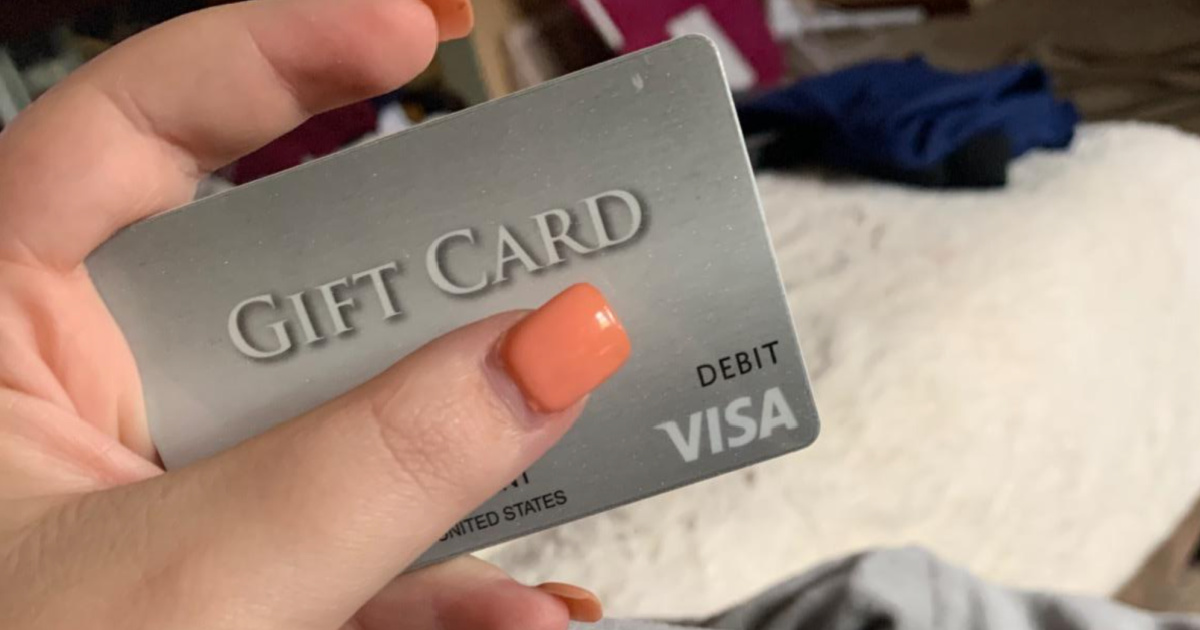
How to redeem your prepaid gift card for Amazon cash using the One Time Reload option.
Using prepaid Visa gift cards at stores can be hit or miss, but there’s an easier option: add them to your Amazon account as credit! If you aren’t ready to buy something just yet, you can store the credit on Amazon for later use, and this works with multiple gift cards, too!
*Just note this only works with credit card gift cards, not store-specific ones!
When you’re ready, follow these instructions for each card:
- Obtain the balance for each card you’d like to redeem for Amazon credits.
- Sign in to your Amazon account.
- Click this listing for the One-Time Amazon Reload.
- The amount you want to reload will be the exact balance of your prepaid gift card. Enter this amount in the “Other” section and add the reload to your cart.
- Go to the checkout.
- For your payment method, select “Add a new card” and enter your prepaid gift card information. (Note that you will need to enter a name for the gift card, and even though it won’t have one, I always just enter my name, and it goes through fine.)
- Pay for the reload with your prepaid gift card.
- That’s it! You’ll now have available Amazon credits in the exact amount of your Visa gift card balance!
Still have questions? Be sure to watch Collin’s helpful video, which will talk you through the process! 🙌💰
Want more Amazon credits? Use the FREE Alexa shopping list to earn cash back!

thank you for this helpful hint! I had a $5 virtual gift card I was having a hard time redeeming so I just used it this way!!
You’re very welcome, Amanda! So glad you were able to easily convert your virtual gift card. ❤️
I’ve been able to do this with other cards, but for some reason my Mastercard gift card won’t work 😞
Hmm, I wonder if the balance may be too low? You could also try reaching out to customer service to look further into it. Hoping they may be able to help!
I put it on Amazon, I will be less likely to use it. I’d rather use it as it is intended. I cannot stand Amazon.
Could have bought yourself a small meal at fast food restaurant, some gum, shampoo, anything. If you hate Amazon, why did you put the money on there?
Very useful post about gift card balance checker. Bookmarked for future reference.
Glad this is helpful, Linda! 🙌
Not a topic I expected to find myself reading about on a weekend but here I am. Got interested in gift card balance checker through a work project and this is actually one of the more readable introductions I’ve found.
Oh good! Thanks for the feedback! 🤗
Hmm, I have $7.18 on my Pathward N.A. VISA gift card but it just won’t work to reload an Amazon balance. I’ll have to call the company to help, I guess.
So sorry for the troubles. Hoping they can help!