


Check Your App! NEW CVS ExtraCare Punch Cards = Easy Freebies
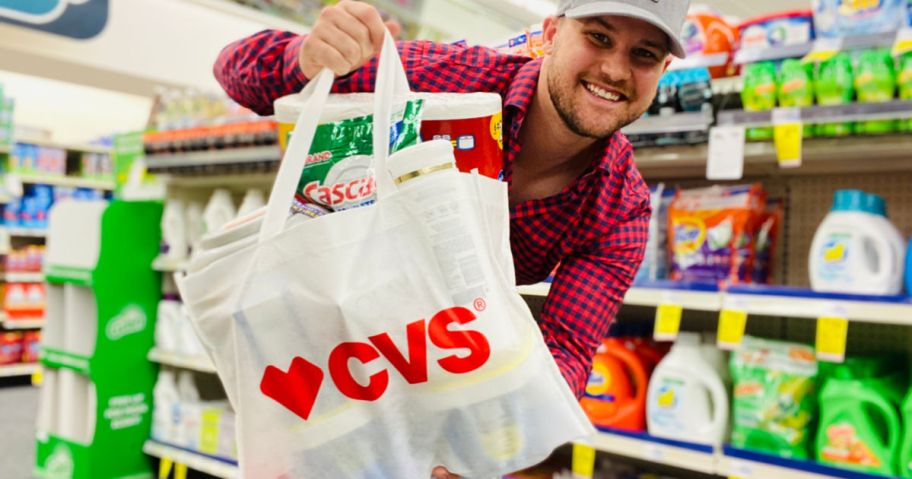
Attention, CVS shoppers! CVS just dropped a new program for select shoppers: ExtraCare Punch Card Offers, and it works just like a digital loyalty card. Buy eligible items, earn “punches,” and score free items or ExtraBucks!
To see if you have these offers, check the “Deals and Rewards” section of your CVS app for a banner that says “Start earning rewards!”
Once you opt in, you’ll earn a punch for every eligible item you buy, with a limit of three punches per day or six per week. As soon as you fill up the card, you’ll unlock rewards like ExtraBucks or free products!
Even sweeter, you can have up to two punch cards active at the same time, and your punches are tracked before manufacturer coupons are applied, so you can still stack coupons to keep your out-of-pocket costs low while earning punches. Just keep in mind that you have 90 days to fill your card, and 30 days to spend your reward once you earn it.
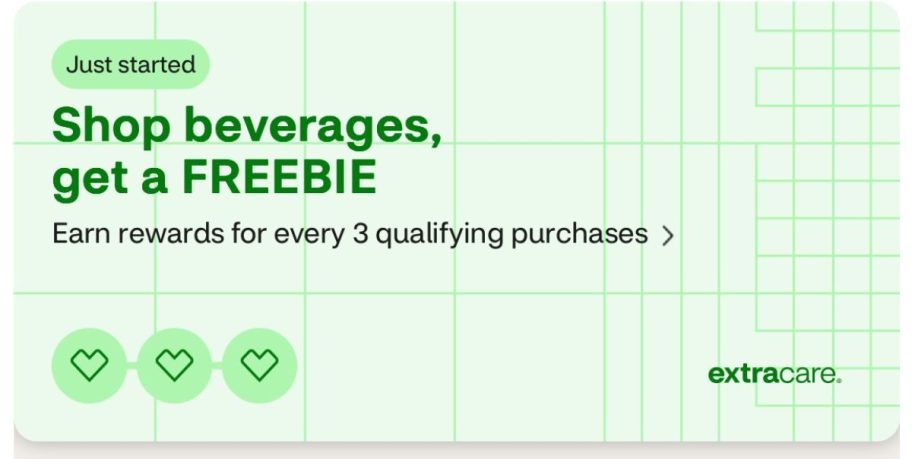
Our team had these offers:
- Shop beverages, get a FREEBIE for every 3 qualifying purchases
- Shop digestive health, get a FREEBIE for every 3 qualifying purchases
- Shop lip products, get a FREEBIE for every 3 qualifying purchases
What ExtraCare Punch Card Offers did you get? Let us know in the comments!

Hmm where is this section “Deals and Rewards” on the app? I can only seem to find extracare savings and coupons. thank you in advance.
Hi tara! Be sure you’re logged in on the app and also need to make sure that your ExtraCare card is linked to your CVS account to see personalized rewards appear. Look for the “deals & rewards” on the main/home screen. If you don’t see it there, tap your profile icon and look under the ExtraCare section. Hoping this helps! 💕