

Get Ready! Amazon Prime Big Deal Days Return on October 6th & 7th
Get ready for Amazon Prime Day!
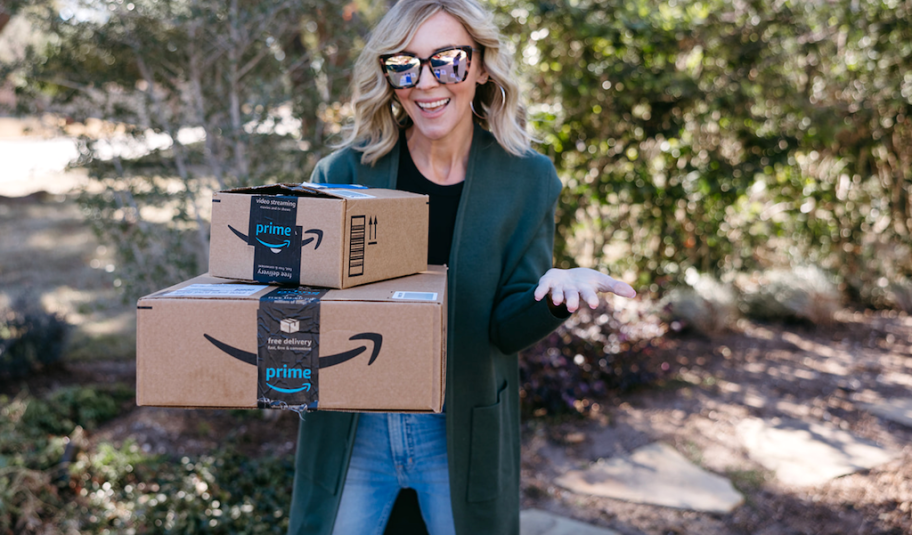
Get ready to shop! Amazon has officially announced the return of Prime Big Deal Days on October 6th & 7th, where Prime members will have two days to jump-start their holiday shopping with BIG savings on electronics, toys, home, apparel, beauty products, grocery items, and more!
Not yet an Amazon Prime Member? Sign up for a FREE 30-day trial here!
The deals kick off at 12:01 AM PDT on Tuesday, October 6th, and run through October 87h. During this time, you can expect discounts on top brands like Sony, Tarte, adidas, UGG, Barefoot Dreams, and more!
Even better, throughout the event, new limited-time offers will drop as “Today’s Big Deals” at 12 AM, 8 AM, and 1 PM PT. Save on familiar brands like Shark, Princess Polly, and Soundcore by Anker, as well as first-time deals on trendy new brands!

Amazon is leaning into AI again this year. They’ve combined the powers of their AI assistant RUFUS with Alexa+ to create Alexa for Shopping. Work smarter, not harder by letting Alexa do the work, including:
- Setting deal alerts for specific products or categories
- Finding deals based on your personal shopping history, preset preferences, or lists
- Checking for new items from brands you love
- Reviewing the price history for up to a year of pricing insights
Plus, if you need some inspiration for holiday gift-giving this year, Amazon already has you covered. The 2026 Top 100+ Toy List is now available, spotlighting the biggest toy trends for the upcoming holiday season.
Even better? Early deals are already LIVE, with limited-time savings on gift ideas, including books, toys, electronics, and Amazon brand items!
Here are a few ways to make sure you don’t miss any Prime Day updates:
1. Sign up to get PRIME DEAL TEXT ALERTS. 🔥🔥🔥
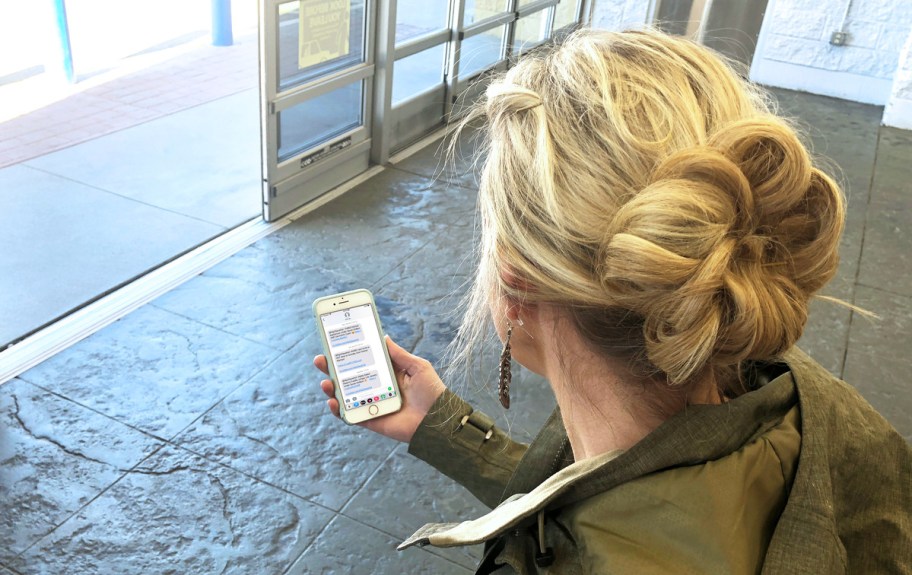
Be sure to sign up for text alerts to get all the hottest deals and freebies!
Only the best deals are texted directly to you. Deal hunting doesn’t get any simpler than that!
*Note that standard text messaging rates will apply.
2. Sign up for our newsletter to get Prime Day’s best deals.
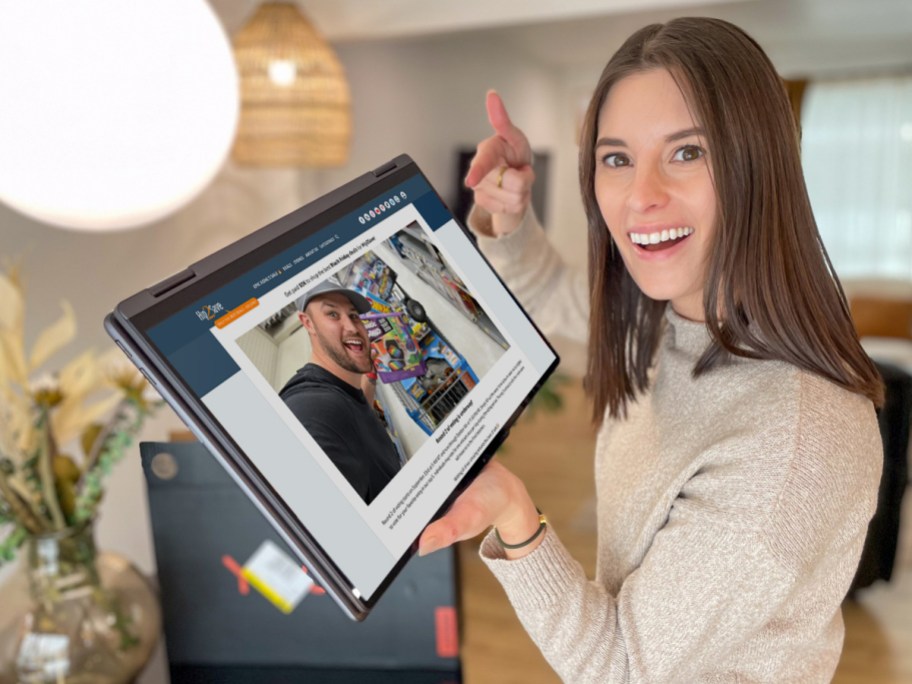
When you sign up for the Hip2Save newsletter, you’ll get updates on early sales AND you’ll get a list of Amazon Prime Days deals curated just for you.
3. Join the fun when you follow us on social media.
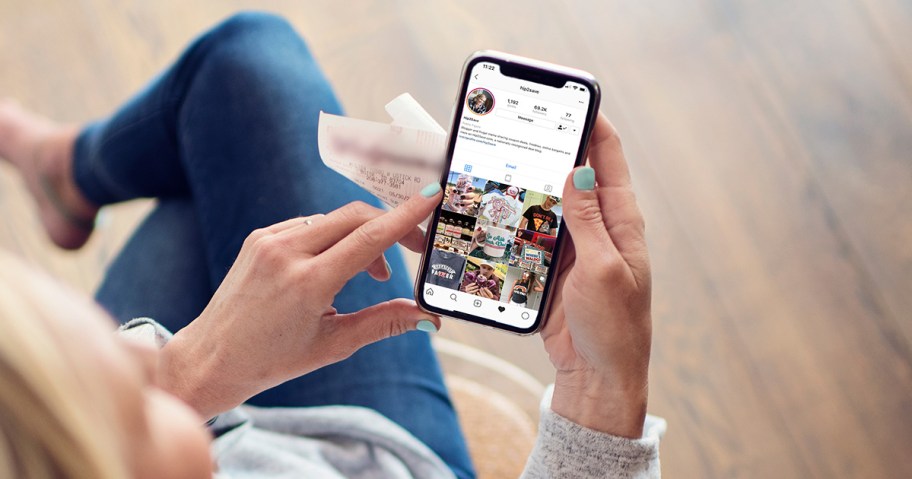
Join the Prime Days party when you follow us on social media. We will share the latest Amazon bargains throughout the event. You’ll also see some special behind-the-scenes footage from Hip2Save members!
4. Don’t forget to bookmark our Amazon Prime Day Deals page!
For easy access, bookmark this page in your browser or by clicking the heart near the top of the page.
Our Prime Day page is packed with deals and is continually updated with the best finds during the sales event.
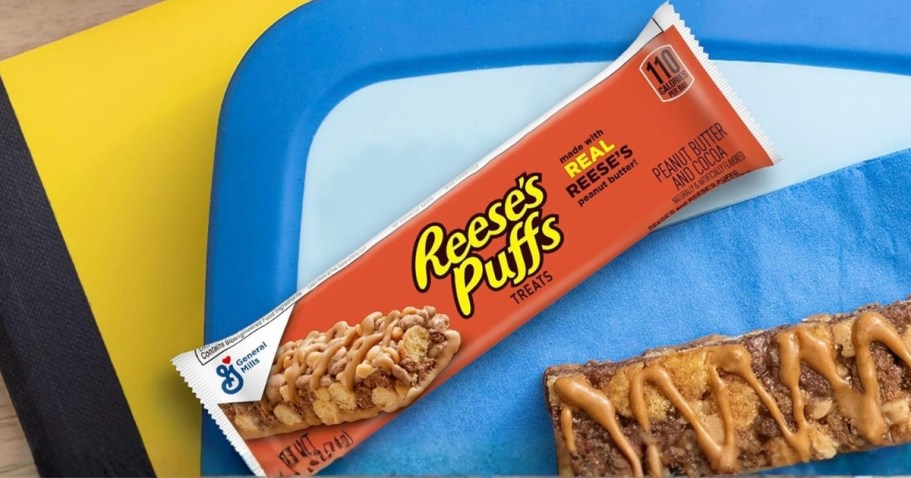
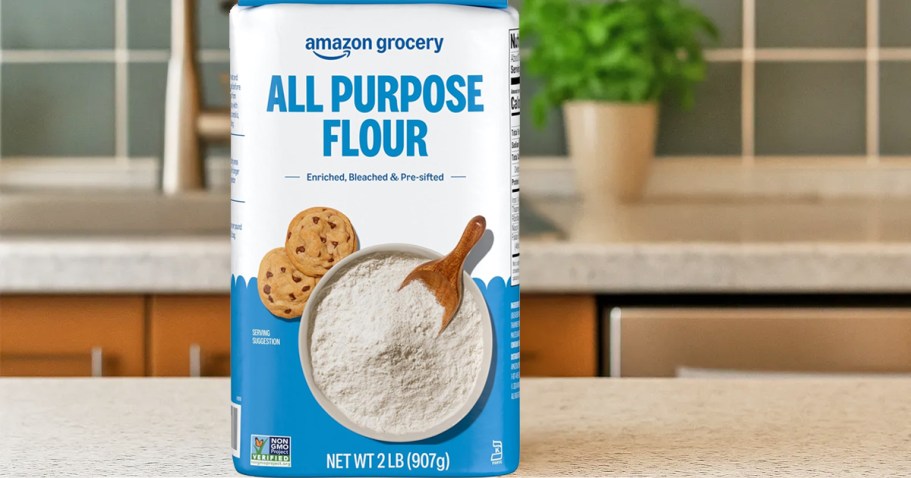


One thing I always do is to check all my lists I add things to on Amazon all year. When Prime Week(s) hit and/or Black Friday/Cyber Monday, I’ve noticed these things are almost always on sale too!
Such a smart strategy, Materof8! 🙌 Keeping a running list makes it so much easier to snag real deals when those big sales roll around!
How do you sign up for lightning deals on Amazon?
Great question! Amazon released a recent article about Lightning Deals here. They don’t mention any way to create alerts anymore, so it seems that feature might no longer be available.
Your best bet is to check the deals page regularly to catch them as they go live. If you have push notifications enabled on the app, you may get alerts that way. Also, if you’re a Prime member with an Alexa device, you can try using Alexa’s Advanced Deal Alerts—just add items to your Wish List, and Alexa can notify you up to 24 hours in advance if those items go on sale, including in Lightning Deals (if that feature’s still active). 🤞
Hey again! We’ve spotted this update on how to receive Prime Day alerts as well, if that may be helpful – Prime members can subscribe to receive deal alert notifications related to their recent Amazon searches and recently viewed items by visiting the Prime Day event page in the Amazon Shopping app. Once the event begins, members will receive push notifications on available deals to which they’ve subscribed. 🙌